This guide explains how to register for and access the E&J Estates Homeowner Portal
Sign in to the homeowner portalStep 1
Register as a New User
Go to https://my-eandjestates.co.uk/ and click on New User? Click here to register.
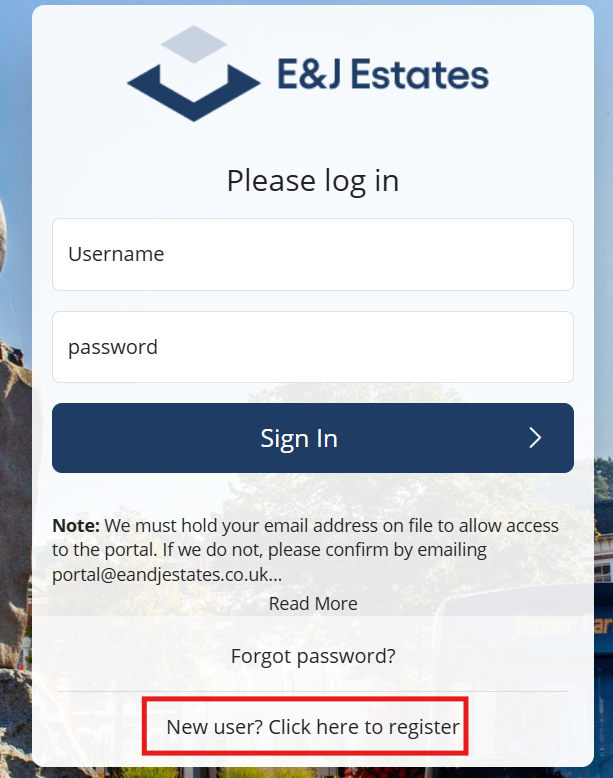
Step 2
Complete Registration Details
A popup box will appear requiring you to enter the following
information
| Required Information | Notes |
|---|---|
| First Name | As registered with E&J estates |
| Last Name | As registered with E&J estates |
| Email Address | Must match the email address we hold on file. If you are unsure complete the registration check form. Must be entered in lower case |
| Reference Number | This is alphanumeric and will be found on all correspondence or invoices |
Step 3
Account Verification
1. The homeowner portal will verify your information against our records.
2. If validation is successful, a Welcome Email will be sent.
3. Select Click here to activate your account within the email.
4. Create your password.
5. Your account will then be ready for use.